
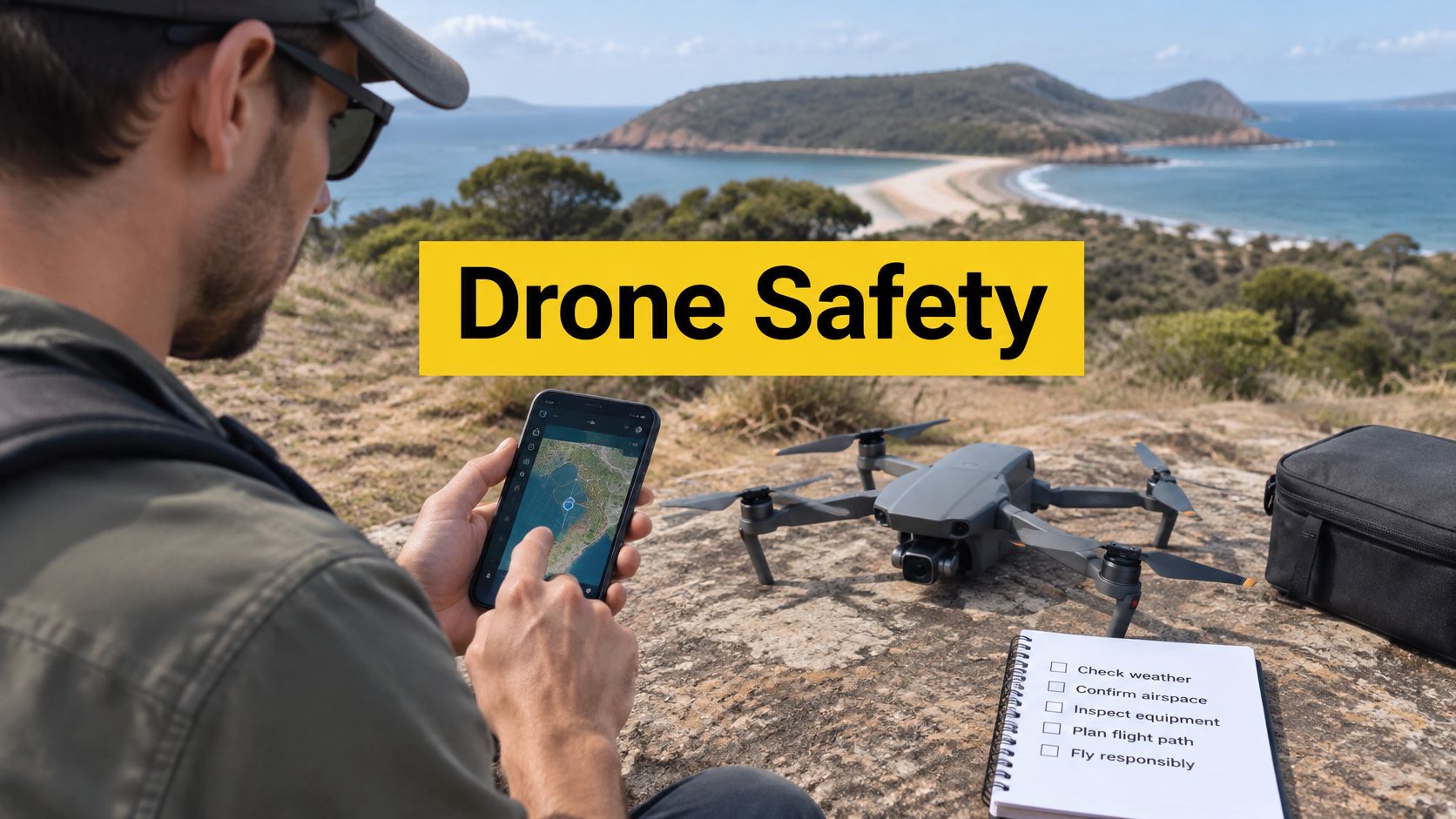
A pilot arrives at a regional inspection site, opens a drone safety app and sees the planned launch point outside a coloured restriction zone. The map looks clear. The pilot hasn't confirmed whether the operation sits inside the excluded category, whether an authorisation applies, or whether local conditions have changed since the app data was loaded. That gap between a reassuring map and a lawful flight is where most app related mistakes happen.
A good app typically shows airspace information, nearby aerodromes and sensitive locations, basic site mapping and pre-flight prompts. It doesn't replace pilot judgement, verify every land access rule, or grant permission to fly. Data currency matters, and so does the pilot's understanding of the operation category. The five Ace pathways below are ordered by training depth, because app competence grows with regulatory knowledge. Each pathway is assessed against what a pilot needs to evaluate an app properly, including data sources, update frequency, offline use, and whether the app reflects CASA rules for the specific operation.
Table of Contents
- 1. ACE READY
- 2. ACE BRONZE
- 3. ACE SILVER
- 4. ACE GOLD
- 5. ACE PLATINUM
- How the five ACE training pathways differ by audience, focus and credentials
- Using Drone Safety Apps Responsibly Before Every Flight
1. ACE READY
Beginners often download an app before they've learned what the colours on the map mean. ACE READY addresses that starting point as an entry level course covering drone fundamentals, aviation safety, CASA regulations and flight operations, with preparation for later Remote Pilot Licence training. For someone who has never planned a flight, that sequence matters more than any app feature list.
The historical context helps explain why. CASA launched its “Can I fly there?” app in May 2017, recording more than 72,000 downloads or unique users in its first reported period, according to the CASA drone factsheet on the 2017 app launch and early uptake. Downloads alone didn't equal competence. The app existed to build pre-flight awareness, not to certify that a particular flight was lawful.
What Beginners Should Check in Any App
A beginner level evaluation doesn't need to be complex, but it does need to be disciplined. The app should be checked for a few basics before it's trusted at a new site.
- Data source transparency: The app should state where its airspace data comes from and whether it's a CASA verified provider.
- Update prompts: The app should make it obvious when data was last refreshed, and the pilot should update before leaving coverage.
- Offline behaviour: Rural and regional work often has poor reception, so cached maps and saved checks are practical necessities.
- Plain language warnings: Alerts near aerodromes, helicopter landing sites and restricted areas should be readable under time pressure.
Practical rule: A clear map is a prompt to keep checking, not a decision to launch.
Ready level knowledge also covers the excluded category boundary. Sub-2 kg drones can be flown commercially under CASA's excluded category with a free operator accreditation, while heavier commercial work or operations outside the standard rules generally require a RePL. A beginner who understands that distinction can read an app in context. A beginner who doesn't may treat a consumer app as a licence.
The trade-off with an entry pathway is depth. It builds fundamentals and safe habits, but it isn't a commercial qualification on its own. Pilots planning paid work beyond excluded limits need to progress. Used properly, though, this stage teaches the habit that underpins every later stage, checking drone safety considerations around airports and helicopter landing sites in Australia before the propellers turn, and treating the app as one input among several.
2. ACE BRONZE
Where Ready introduces the rules, Bronze starts connecting them to commercial intent. ACE BRONZE is a foundation commercial course covering drone operations, flight safety, aviation theory and practical skills for students beginning the path toward becoming licensed pilots in Australia. That framing suits pilots who already fly recreationally and now need structured theory behind the app on their phone.
The central limitation at this level is misunderstanding what “verified” means. CASA states that verified apps provide location based guidance but are for guidance only and must not be used for air navigation, as explained on the CASA drone safety apps guidance page. Guidance only is a legal distinction with operational consequences. The pilot remains responsible even when the app is wrong, stale or misread.
Evaluating an App Like an Operator
Foundation training makes a more demanding app assessment possible. Rather than asking whether an app is popular, a Bronze level pilot can ask whether it supports the intended operation type, shows controlled and non-controlled aerodrome information clearly, and records the check for later reference. Record keeping sounds administrative until a client, insurer or regulator asks what was checked and when.
App choice also interacts with site reality. A mapping interface that's excellent for open rural work may be cluttered in dense urban airspace near multiple landing sites. Conversely, a simple consumer interface may hide the detail a developing commercial pilot needs. There's no single correct interface, only a fit between the tool, the airspace and the pilot's training.
- Operation type support: Recreational, excluded and ReOC workflows shouldn't be blurred into one generic checklist.
- Warning acknowledgement: The app should require the pilot to notice and record significant warnings, not dismiss them without a trace.
- Exportable records: Saved screenshots or logs support post-flight review and client reporting.
- Height awareness: Prompts should reinforce operating limits rather than leaving them to memory.
Bronze doesn't deliver a RePL, and that boundary should be stated plainly. It's a foundation step toward licensed work, valuable for theory and practical grounding, but not the credential clients usually require. Pilots at this stage benefit from reading current Australian requirements carefully, including the overview of Australian drone laws for 2026, and from recognising that an app can't upgrade their authorisation status. The benefit is judgement. A pilot with foundation theory spots the difference between a quiet paddock and a technically unrestricted site sitting under an approach path, and pauses before launch.
3. ACE SILVER
An aerodrome warning appears on the planning screen two days before a paid job. A Silver level pilot reads it, works out which rule triggers it, and decides whether the flight needs a CASA authorisation or a different site. That decision is the product of this pathway.
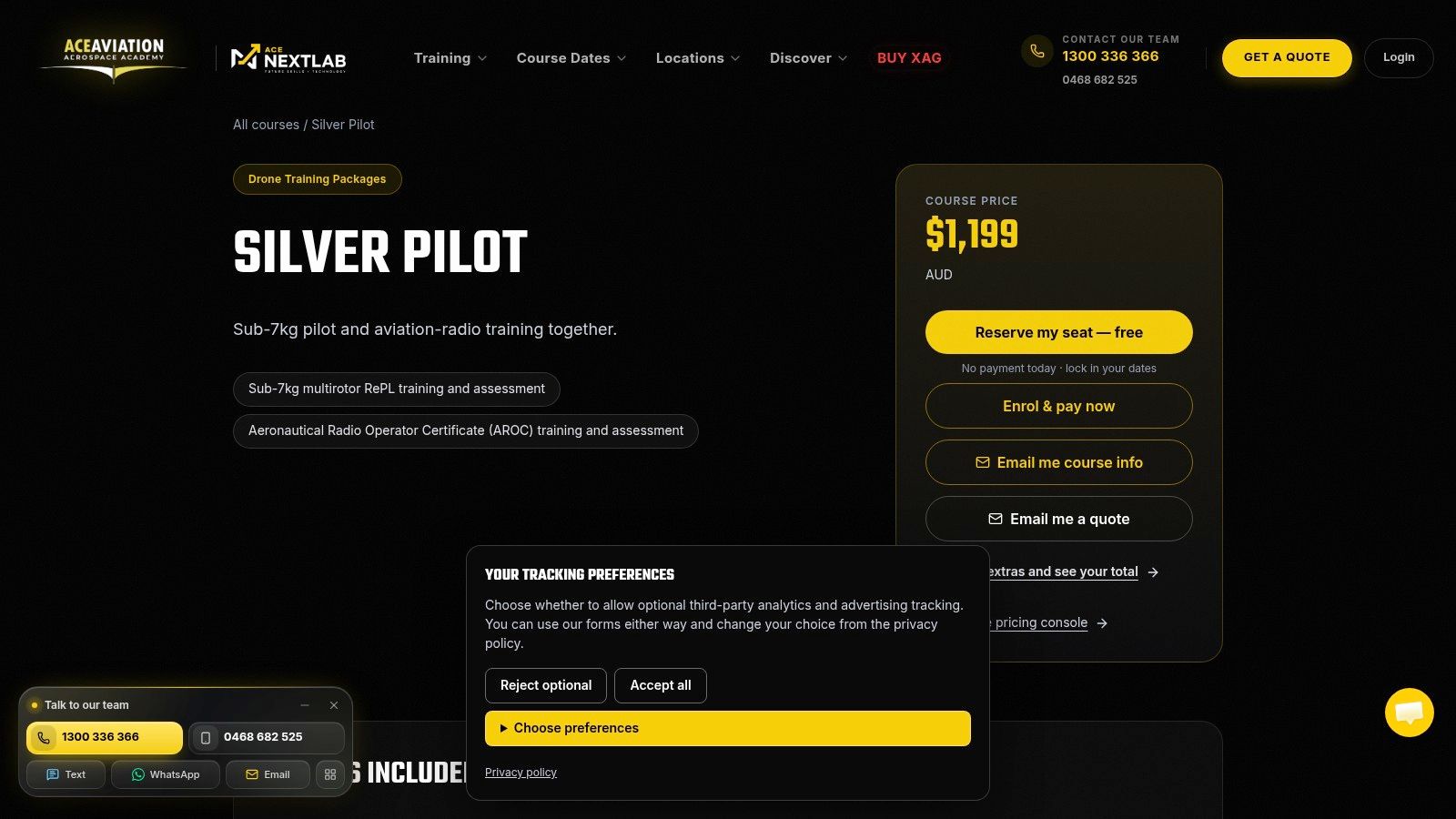
Silver combines CASA-approved RePL training with the Aeronautical Radio Operator Certificate, delivered Australia-wide, and training aircraft are provided so students do not need their own drone. Because a RePL is generally required to fly drones over 2 kg commercially or to operate outside the standard rules, this is the credential where app knowledge starts carrying legal weight. Pilots comparing delivery formats can review the Silver operator pathway details alongside the main ACE SILVER course page.
RePL and AROC knowledge changes how an app is read. Radio awareness, airspace classification and aerodrome procedures turn a coloured polygon into an operational picture. A pilot who understands controlled airspace will not treat an app's silent area as empty sky. That pilot asks about approach and departure paths, other traffic, and whether the planned height is defensible.
Height and Authorisation Triggers
The standard limit is 120 metres above ground level, measured from the ground or water directly below the aircraft (not from the top of a structure), as set out in the CASA drone rules on height measurement. An app can display terrain and restrictions, but it can't fly the height discipline for the pilot. Beside a tall building, on sloping ground or over water, the reference point still has to be understood.
CASA also requires authorisation for operations including flight within 5.5 kilometres of a controlled aerodrome, over a movement area, or in a runway approach or departure path, as detailed in the CASA flight approvals and permissions guidance. A Silver level pilot should recognise those triggers in an app warning and stop to resolve them. Seeing a site on a map does not create permission.
An app identifies the question. Training determines whether the pilot knows who must answer it.
The strength of this pathway is employability as an individual credential holder. A RePL lets a person fly a drone commercially in their own right, and AROC adds the radio competency many controlled environments expect. ACE graduates also get access to DroneWork, a platform connecting qualified pilots with commercial drone jobs across Australia. The limitation is organisational: an individual licence does not by itself provide a ReOC, an operations manual or business approvals, so pilots planning to run their own operation will need organisational credentials on top.
4. ACE GOLD
Gold shifts the question from “can this pilot fly here” to “can this business lawfully conduct this operation, repeatedly, with records”. The program combines RePL training with ReOC support, practical flight training, aviation compliance and business readiness. Details sit on the ACE GOLD course page, with the business focused variant described through the Gold Business package information, which includes multiple pilot operations, operating larger drones within approved scope, and night flying approvals.
That organisational layer is where automated authorisations belong. CASA's automated process requires a current ReOC, a remote pilot holding a valid RePL and AROC, a registered drone weighing less than 25 kilograms, and daylight operation, with the chief remote pilot submitting the request through a participating verified app no more than 30 days before the flight, per the CASA automated airspace authorisations requirements. The app is the submission channel. The eligibility sits with the operator.
Building an App Into a Safety System
For a ReOC holder, app selection becomes a systems decision. The chosen tool has to fit the operations manual, the chief remote pilot's approval workflow, and the way flight records are retained. A consumer friendly app that can't produce an auditable record creates risk for a business, even if its map is excellent.
- Authorisation workflow: The app should support the chief remote pilot submitting, receiving and storing approvals.
- Fleet and pilot records: Registrations, pilot credentials and aircraft weights should align with the app account.
- Procedure alignment: App steps should match the documented pre-flight procedure, not invent a parallel one.
- Fallback process: Staff should know the standard CASA application route when automated authorisation isn't available.
A ReOC is a business authorisation that lets a company run drone operations, hire RePL pilots and seek approvals for advanced work such as night, BVLOS or flights over people. Gold's value is that it treats the app as part of that system rather than as a pilot's private download. Its trade-off is commitment. Building manuals, compliance habits and business processes takes more effort than gaining a licence alone, and ongoing responsibility sits with the operator after training ends. For surveying, construction, agriculture and inspection businesses, that effort is usually the difference between occasional flying and a defensible commercial service.
5. ACE PLATINUM
Enterprise drone programs rarely fail audits on dramatic grounds. An approval sits in the wrong account. A pilot's credential lapses unnoticed. A pre-flight checklist lives on one person's phone. Platinum is built for operators who carry that scale of exposure, combining RePL and AROC training, ReOC support and advanced operations training for people preparing to run a commercial drone business. The full structure sits on the ACE PLATINUM course page, and the enterprise configuration is outlined in the Platinum Enterprise pathway information. At this scale, app evaluation becomes a governance question.
Large operators face a continuity problem that casual app guides rarely address. CASA and Airservices Australia announced that automated authorisations at civil controlled aerodromes would transition to the Flight Information Management System, with FIMS connected providers expected to begin serving 28 civil controlled aerodromes around November 2025 across a transition period of about 12 months, according to the CASA announcement on future automated airspace authorisations and safety apps. Procedures built around one app, one account structure or one data feed need review well before that kind of change takes effect.
Waiting until a crew is standing at a site is too late.
Transition Readiness and Measurable Outcomes
A Platinum level operator should confirm a provider's FIMS status, identify affected aerodromes, preserve historical approval records, test alternate workflows and retrain pilots on changed interfaces. These checks decide whether flights proceed lawfully during a migration, and no app store rating will reveal whether they have been done.
Effectiveness deserves the same rigour. CASA's 2023–24 reporting recorded 347,553 users on the Know Your Drone website, more than 2.3 million page views, and 9,405 click throughs to CASA verified drone safety apps, as documented in the CASA annual report 2023–24. Those figures show engagement with the safety ecosystem. They do not prove any single app caused safer flying, and enterprise managers should not claim otherwise. Stronger internal measures include app activation, completed pre-flight checks, acknowledged warnings and non-compliance trends.
Governance test: If the app provider changed tomorrow, could the operator still prove what was checked, approved and flown?
The trade-off at this level is scope. Platinum suits organisations and serious founders who need qualifications, management capability and advanced operations in one pathway, and its ReOC consultation element extends to CASA applications, operations manuals and risk management systems. A solo recreational pilot does not need it, and neither does a pilot chasing a first commercial job. The value is alignment. Training, certification, compliance systems and app governance sit inside one operating picture, which matches how regulators and major clients assess an operator.
How the five ACE training pathways differ by audience, focus and credentials
The essential dividing line between the pathways is what each assumes you already hold and what it qualifies you to do next.
READY and BRONZE assume nothing: ACE's commercial training requires no prior experience, and training aircraft are provided, so students do not need to own a drone. SILVER is the first paid step toward commercial work, with the Sub-7kg multirotor package starting from $1,199 AUD, and builds toward a RePL, the individual licence needed to fly drones over 2 kg commercially. GOLD shifts focus from the pilot to the operation, covering multiple pilot operations, larger drones within an approved scope and night flying approvals. PLATINUM brings the ReOC into scope, the business authorisation that lets a company run drone operations and hire RePL pilots.
The app implication follows the same ladder: reading an airspace map is a beginner skill, while authorising flights under a ReOC is an organisational one.
Using Drone Safety Apps Responsibly Before Every Flight
A spray contractor arrives at an unfamiliar site before dawn, opens a flight safety app and sees an amber restriction band across the paddock. The crew is waiting and the ground looks clear. What happens next depends less on the app than on whether the operator understands what that band means. The sensible routine starts before the app opens: confirm the operation category and whether a RePL is required, because an excluded category flight, a RePL flight under a ReOC, and a flight needing automated authorisation are three different problems sharing one map.
Data currency comes next. Confirm the app has updated, cross-check significant restrictions against official CASA sources, and recheck conditions on the day, since airspace, weather, emergency operations and local requirements can change after planning. Local government rules, landholder permission, privacy considerations and site hazards sit outside most airspace maps and still have to be resolved on the ground.
A Pre-Flight Checklist That Leaves Evidence
- Record the category and credential: Write the operation type (excluded, RePL or ReOC) and the accreditation or licence expiry date into the job file before opening the app.
- Save the airspace screen: Screenshot the app's airspace status for the site, timestamped, and attach it to the job record.
- Log authorisation references: Note the approval ID for any controlled aerodrome or restricted airspace clearance before leaving for the site.
- Walk the site against the map: Physically confirm people, obstacles, emergency activity and land access, since no airspace layer shows them.
- Run aircraft checks without app prompts: Airframe, batteries, firmware, failsafes and return-to-home settings verified on a checklist, not from memory.
- Record the decision: Save the check, any approval, and the reason for launching or standing down.
Frequently Asked Questions
Does a CASA verified app give permission to fly? No. Verified apps provide guidance, and some participating apps support automated authorisation requests for eligible ReOC operations. The approval, where one is issued, is the permission. The map alone is not.
What should a pilot do when the app shows a warning but the site looks clear? Treat the warning as controlling until it is resolved. Apps flag restrictions the eye cannot see, such as controlled airspace boundaries or instrument approach surfaces. The options are to obtain the required authorisation, move the operation, or stand down. A clear-looking paddock does not cancel a mapped restriction.
Can the app replace a physical site check? No. Airspace data says nothing about landholder permission, council rules, privacy obligations or hazards like powerlines and crowds. Those checks happen on foot, on the day.
Can a beginner skip training if the app looks simple? An app displays data; it does not teach interpretation or carry the legal responsibility that sits with the operator. Flying drones over 2 kg commercially, or operating outside the standard rules, generally requires a RePL, and training is where the judgement behind each app check is built.
App provider arrangements with CASA do shift, and the move toward FIMS based authorisations means a check that ran one way last season may run differently now. Confirm what the chosen app can do for the specific operation before relying on it in the field. Training is what turns a coloured map into a decision the pilot can defend.
Pilots and organisations that want app use backed by proper qualifications can explore RePL, AROC and ReOC consulting through Ace Aviation Aerospace Academy. The Academy delivers CASA-approved RePL and commercial drone courses Australia-wide for beginners through to enterprise operators, with training aircraft provided so students do not need their own drone.